
Security incident response service
Incident response & post-attack support
Have you detected strange activity, a compromised account, an encrypted workstation, or unauthorized access? We help you contain, understand, and secure — without shutting everything down.
Remote response available on Microsoft 365, endpoints, VPNs, servers, and SaaS platforms.
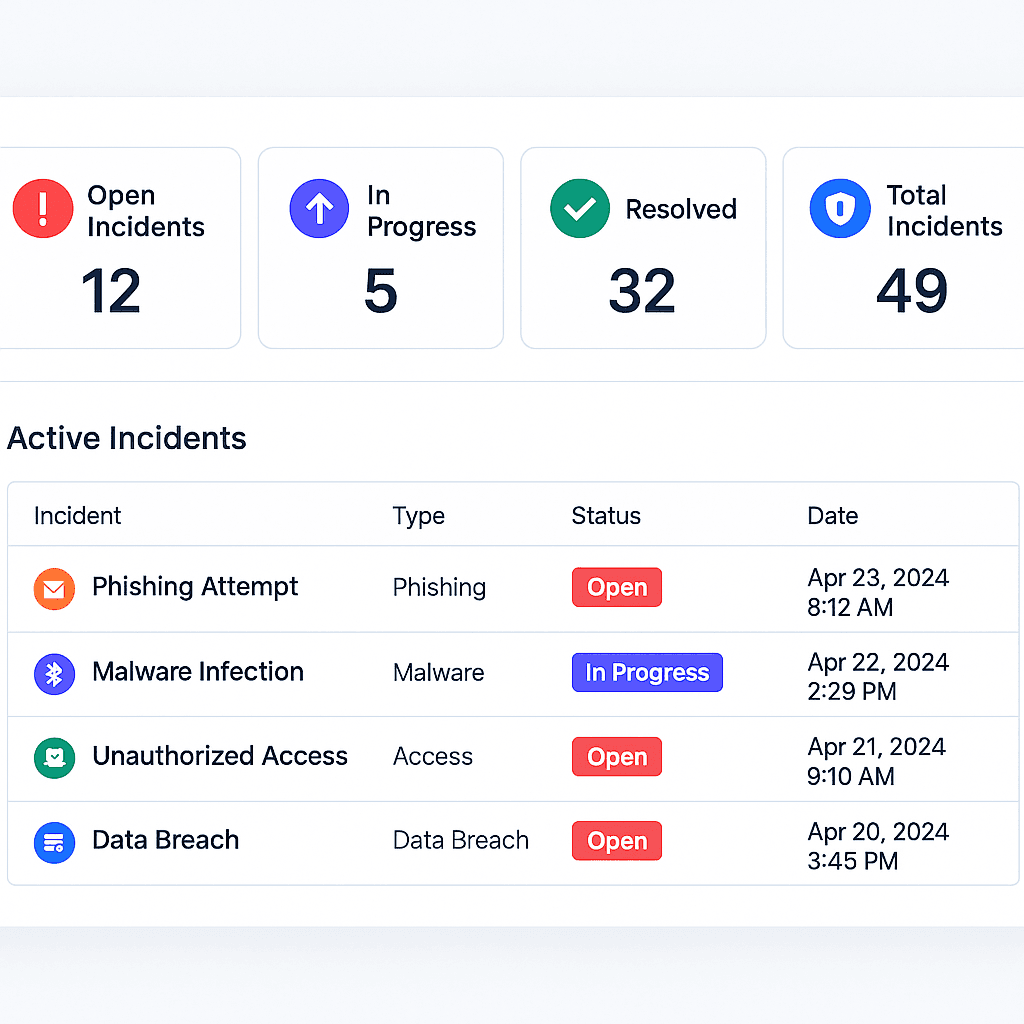
Why prepare for incident response?
Most organizations react too late because they have no plan, no clear communication channel, and no designated person in charge. The result: the leak continues, the attacker stays connected, and users keep receiving phishing emails while no one isolates the source.
Setting up incident response is not being paranoid. It’s accepting that one day something will get through, and when that day comes you’ll need to be fast, calm, documented, and able to prove what was done.
- You receive M365 / Defender / EDR alerts but nobody really knows what to do with them.
- You’ve already had an incident and don’t want to relive the chaos.
- Management is asking “who is responsible if we get attacked?”
What we can do quickly
- • Isolate a compromised account (M365, Azure AD, Google)
- • Revoke a user's active sessions
- • Review suspicious sign-ins (countries, times, MFA)
- • Examine targeted mailboxes
- • Draft an internal message for your users
We don’t do deep forensic / legal investigations at this stage — we secure first.
A simple method, built for SMBs and overloaded teams
We’re not going to send you 40 pages. First, we’ll say: “here’s what we saw, here’s what we’re cutting off, here’s what we’re monitoring.”
- 1
Reporting
You tell us what you’re seeing (alert, suspicious email, encrypted workstation).
- 2
Stabilization
We cut what needs to be cut (sessions, accounts, sharing).
- 3
Analysis
We look at how it happened and whether other accounts are affected.
- 4
Plan & report
We leave you with a remediation plan and best practices to prevent recurrence.
Avoid repeat incidents: connect AspharSync
Many incidents start with a forgotten account (former employee, vendor, test account). AspharSync highlights these accounts, tracks licenses, and shows who still has access to what. It’s ideal right after an incident.
You can give your client access only to the “Accounts & licenses” module, without exposing everything else.
View AspharSyncAspharSync – anomalies after incident
Think you’re in the middle of an incident?
Tell us what’s happening and we’ll quickly tell you whether it’s serious or not.